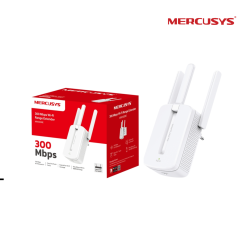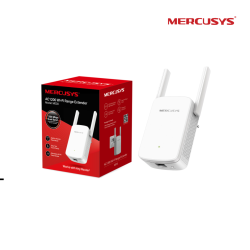
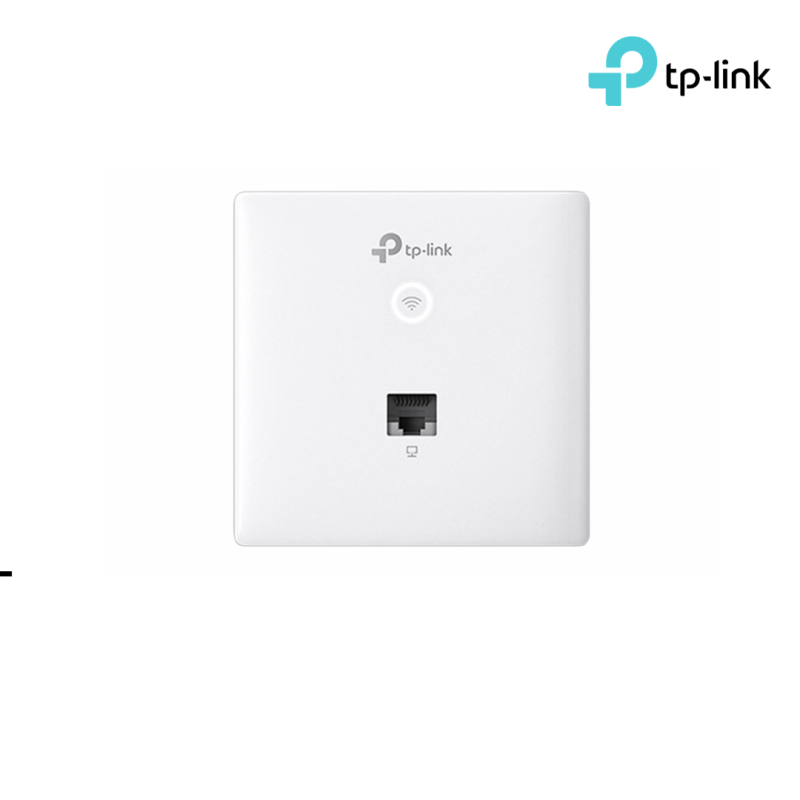


TP-LINK Access Point | 300Mbps Wireless N Wall-Plate ( EAP115-Wall )
Product Description
| Interface | • Uplink: 1× 10/100 Mbps Ethernet Port • Downlink: 1× 10/100 Mbps Ethernet Port |
|---|---|
| Physical Security Lock | No |
| Button | • LED/Wi-Fi Button • RESET |
| Power Supply | PoE (IEEE 802.3af) |
| Max. Power Consumption | 2.8 W |
| Dimensions ( W x D x H ) | 3.4 × 3.4 × 1.2 in (86.8 × 86.8 × 30.2 mm) |
| Antenna | Internal 2× 1.8 dBi Omni |
| Mounting | Wall Plate Mounting |
| Hardware Watch Dog | Yes |
|
WIRELESS FEATURES |
|
|---|---|
| Coverage | 25㎡(300 ft²)** |
| Concurrent Clients | 100+* |
| Wireless Standards | IEEE 802.11n/g/b |
| Frequency | 2.4 GHz |
| Signal Rate | • 11n: Up to 300 Mbps (dynamic) • 11g: Up to 54 Mbps (dynamic) • 11b: Up to 11 Mbps (dynamic) |
| Wireless Functions | • Multiple SSIDs (Up to 8 SSIDs) • Enable/Disable Wireless Radio • Automatic Channel Assignment • Transmit Power Control (Adjust Transmit Power on dBm) • QoS(WMM) • Load Balance • Rate Limit • Reboot Schedule • Wireless Schedule • Wireless Statistics based on SSID/AP/Client |
| Wireless Security | • Captive Portal Authentication • Access Control • Wireless Mac Address Filtering • Wireless Isolation Between Clients • SSID to VLAN Mapping • Local LAN port based VLAN • Rogue AP Detection • 802.1X Support • 64/128/152-bit WEP / WPA / WPA2-Enterprise, WPA-PSK / WPA2-PSK |
| Transmission Power | CE: ≤20 dBm (2.4 GHz) |
|
Management Features |
|
|---|---|
| Omada App | Yes |
| Centralized Management | • Omada Hardware Controller • Omada Software Controller |
| Cloud Access | Yes. Requiring the use of OC300, OC200, or Omada Software Controller. |
| Email Alerts | Yes |
| LED ON/OFF Control | Yes |
| Management MAC Access Control | Yes |
| SNMP | v1,v2c |
| System Logging Local/Remote Syslog | Local/Remote Syslog |
| SSH | Yes |
| Web-based Management | HTTP/HTTPS |
| L3 Management | Yes |
| Multi-site Management | Yes |
| Management VLAN | Yes |
|
OTHERS |
|
|---|---|
| Certification | CE, RoHS |
| Package Content | • 300 Mbps Wireless N Wall-Plate Access Point EAP115-Wall • Installation Guide • Mounting Screw |
| System Requirements | Microsoft Windows XP, Vista, Windows 7, Windows 8, Windows10, Windows11, Linux |
| Environment |
• Operating Temperature: 0–40 ℃ (32–104 ℉)
|
When you order from opencartworks.com, you will receive a confirmation email. Once your order is shipped, you will be emailed the tracking information for your order's shipment. You can choose your preferred shipping method on the Order Information page during the checkout process.
The total time it takes to receive your order is shown below:

The total delivery time is calculated from the time your order is placed until the time it is delivered to you. Total delivery time is broken down into processing time and shipping time.
Processing time: The time it takes to prepare your item(s) to ship from our warehouse. This includes preparing your items, performing quality checks, and packing for shipment.
Shipping time: The time for your item(s) to tarvel from our warehouse to your destination.
Shipping from your local warehouse is significantly faster. Some charges may apply.
In addition, the transit time depends on where you're located and where your package comes from. If you want to know more information, please contact the customer service. We will settle your problem as soon as possible. Enjoy shopping!
Related Products